Help Center
How to Install Metamask Wallet
Step 1: Go to MetaMask.io and click Get MetaMask.

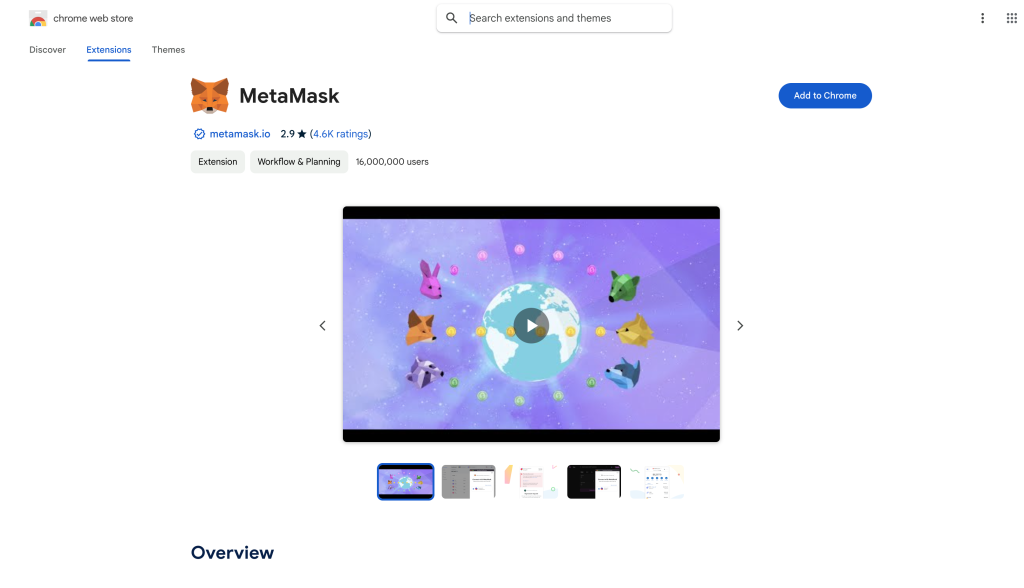
Step 2: If you’re installing the browser extension, you’ll be taken to the browser’s store. Click on get extension/Add to Chrome.
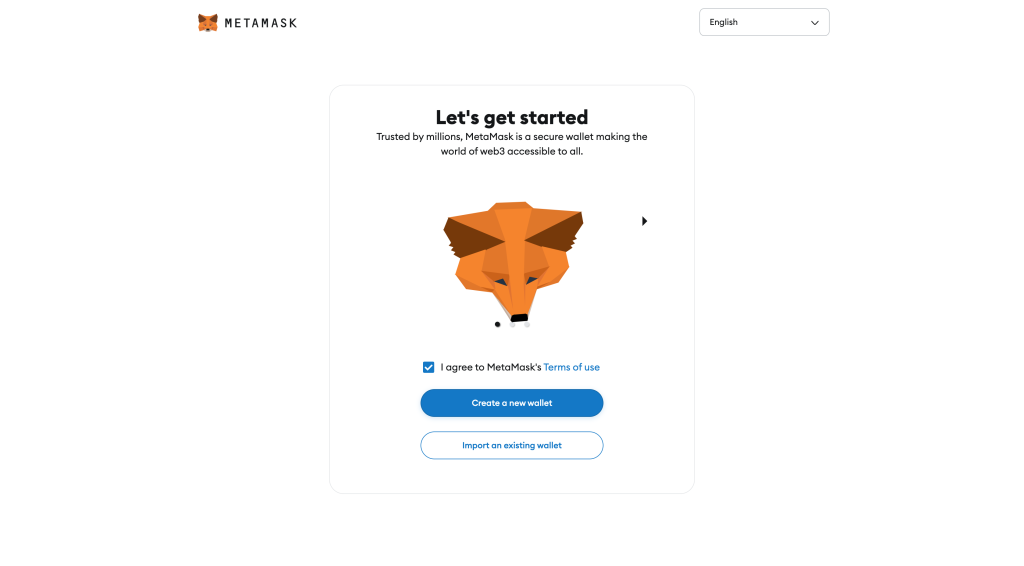
Step 3: After Installing the extension you will be redirected to metamask wallet creation page. Click on I agree and click on Create a new Wallet.
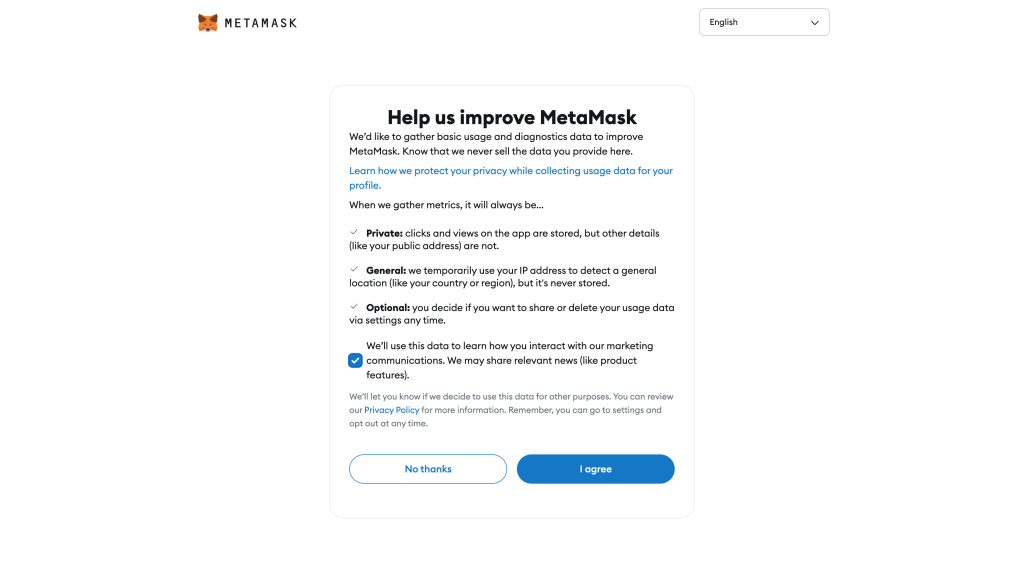
Step 4: Click on checkbox and click on I agree.
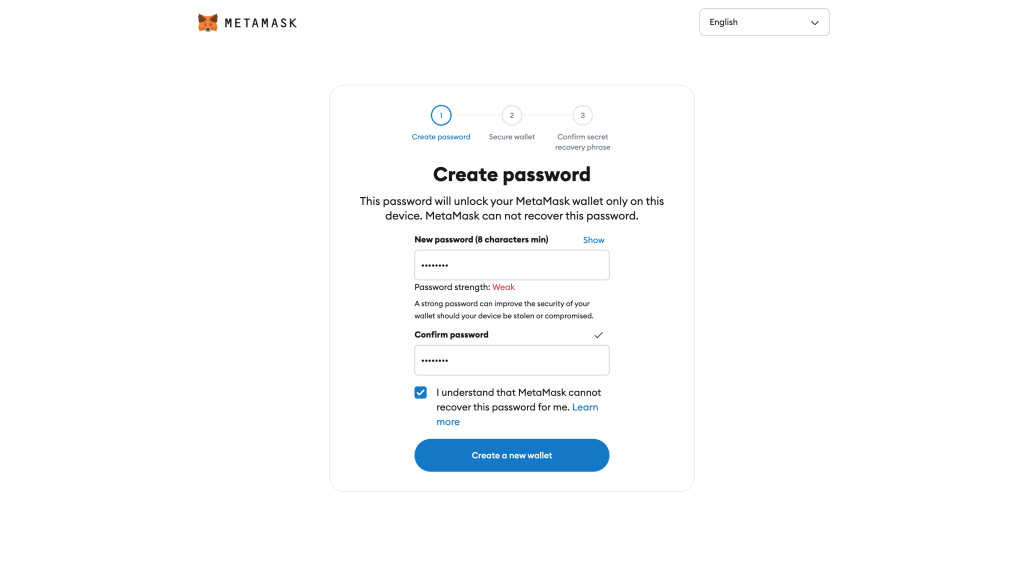
Step 5: Create a strong password that contains at least eight letters, numbers, and special characters. After that click on ‘Create a new wallet’.
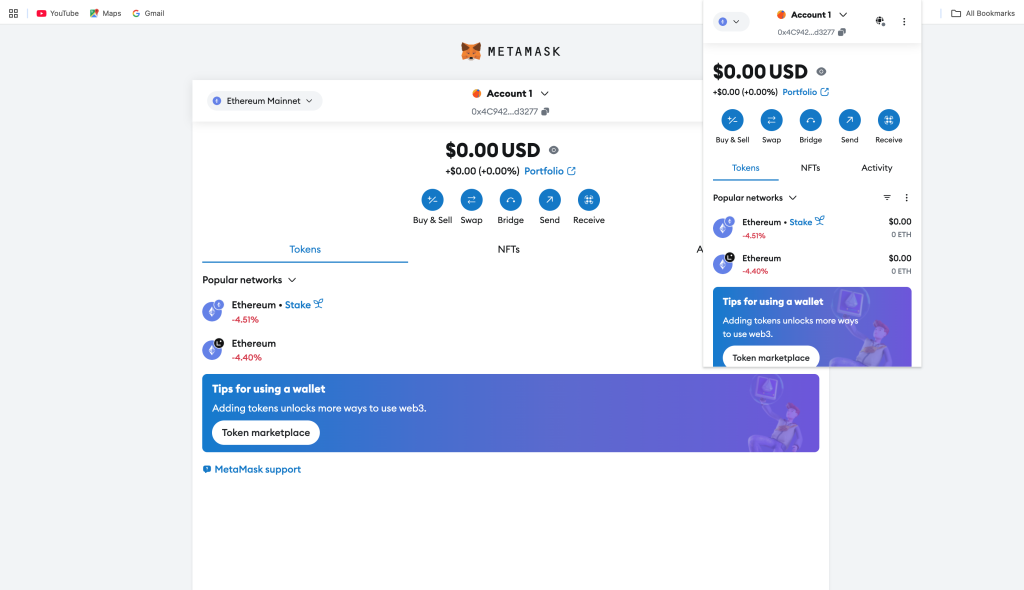
Step 6: Your wallet will be created and you can access your new wallet through the extension.